Free creator tools
for chat stories
Make chat stories for WhatsApp, Instagram and Snapchat, score a thumbnail before you post, pull any video's tags and estimate what a channel earns. All free, all in your browser.
Chat studios for 4 apps, 8 YouTube tools
and a full image kit, in one place.

Everything a creator reaches for, free.
Built for YouTubers, text-story and skit creators, and social media managers: the chat mockups, the YouTube research and the image fixes in one place — no accounts, no watermarks, nothing uploaded.
Chat studios
4 toolsChats and posts that look like the real app, as a screenshot or a video.
Open a chat studioYouTube tools
8 toolsScore a thumbnail before you publish, pull any video's tags and estimate what a channel earns.
- Thumbnail Downloader
- Thumbnail Analyzer
- Tag Extractor
- Money Calculator
- Thumbnail Tester
- Thumbnail CTR Checker
- Shorts Money Calculator
- RPM Calculator
Every app. Every detail. Both themes.
WhatsApp, Instagram, Snapchat and X — with photos, voice notes, reactions, read receipts and the status bar. Each of these is a real export.
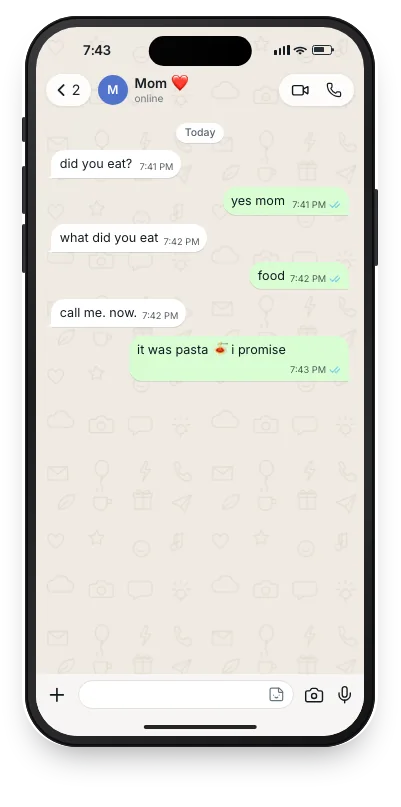
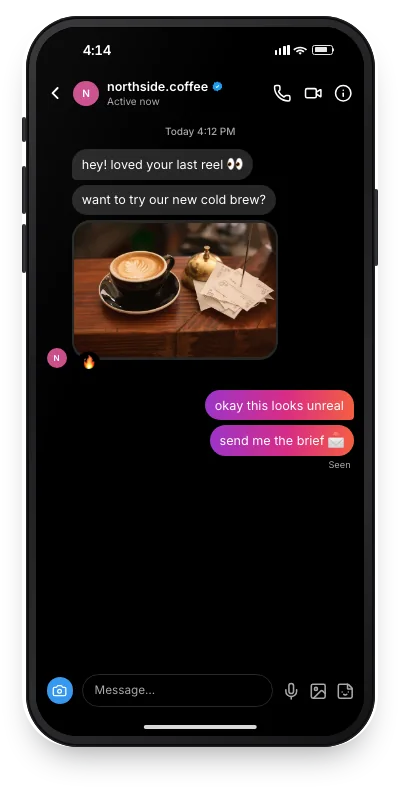
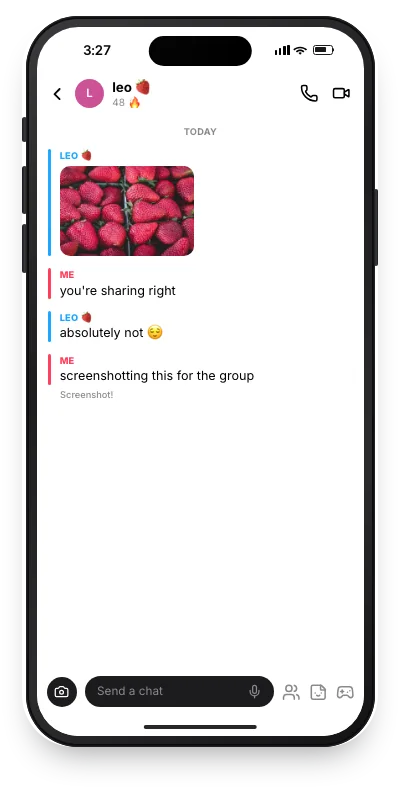
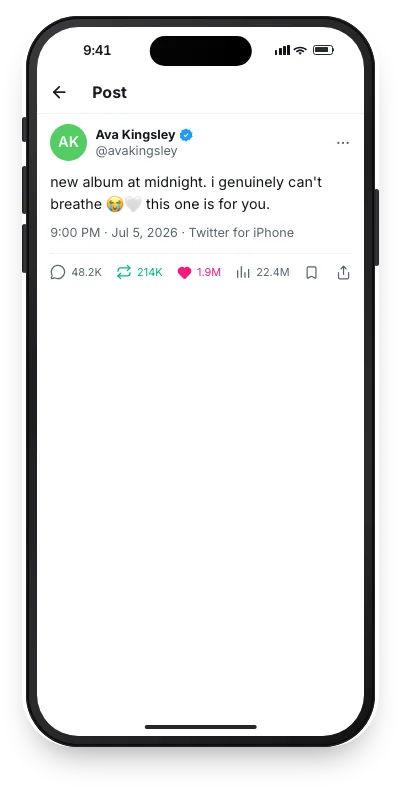
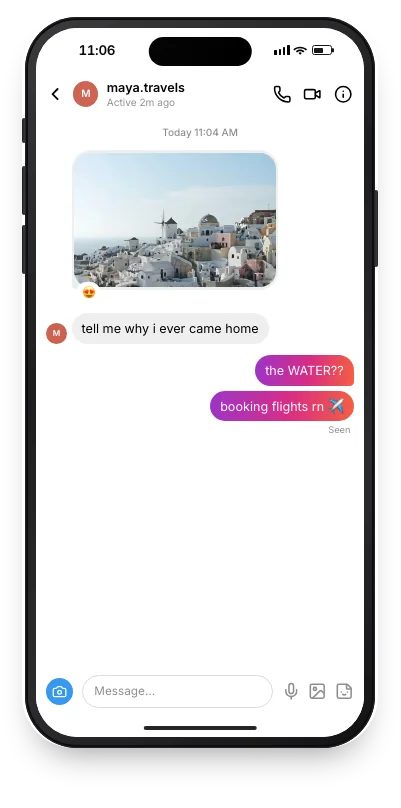
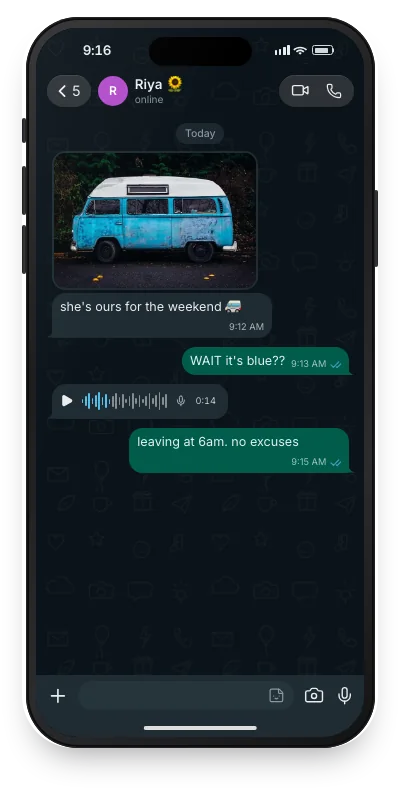
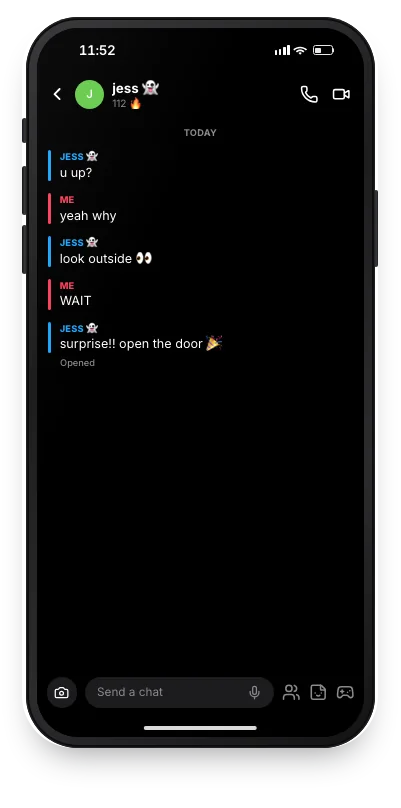
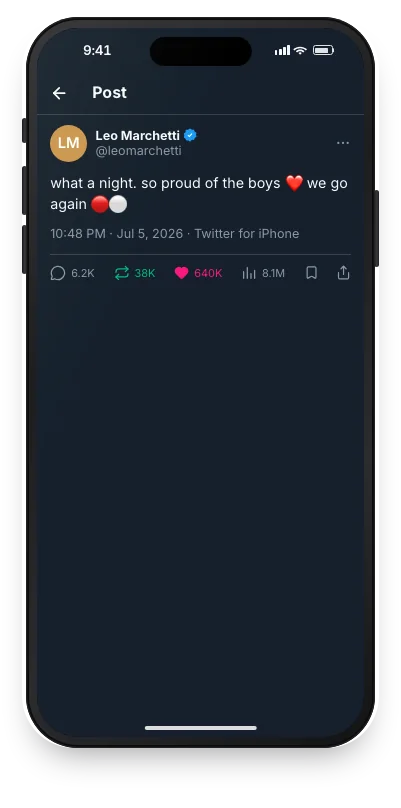
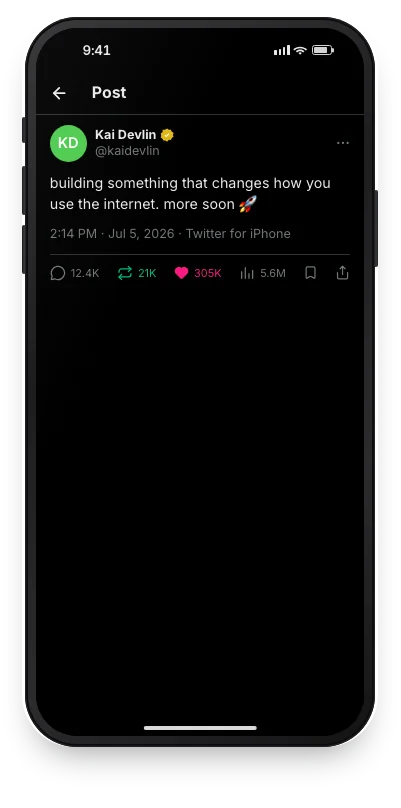
Built to pass for the real thing.
The details that make a screenshot believable — and a few that make it quick to get there.
Messages arrive the way they do in the app
Typing dots before a reply, bubbles sliding in, the thread scrolling. Watch it play, then export it as a screenshot or a video.
Photos, voice notes and reactions
Drop in a photo, add a voice note, react with an emoji — each drawn in the app's own style.
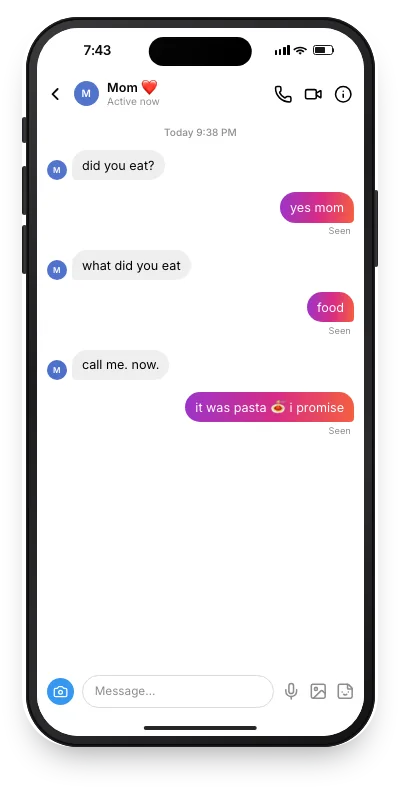
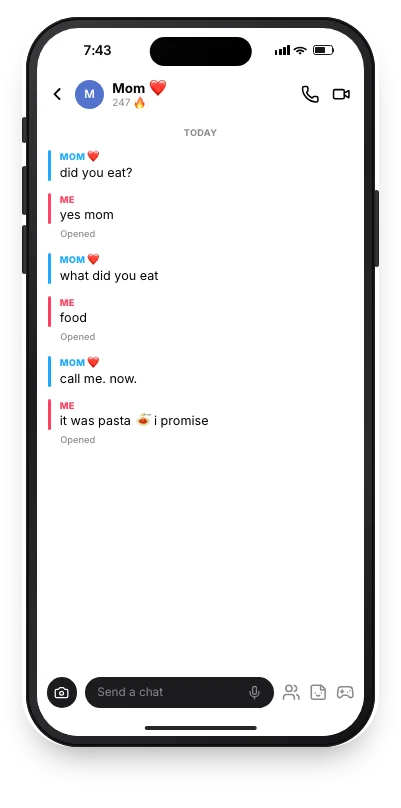
Write it once, switch apps
Move the conversation between WhatsApp, Instagram and Snapchat. Names, photos and read receipts come with it.
Light or dark, iPhone or Android
Every theme the app has, with the right status bar and device.
The size of a real screenshot
Exports at 1170 × 2532 — exactly what an iPhone 14 saves.
- Added “call me. now.”
- Changed time to 7:42
- Switched to dark
Undo anything
Every edit is one ⌘Z away, and redo is ⇧⌘Z.
Turn the chat into a video.
Messages arrive one at a time, the way they do on a phone. Export an MP4 you can post straight to Reels, TikTok or Shorts.
- 9:16 for Reels, TikTok and Shorts — or a screen recording
- Typing dots before every reply
- H.264 MP4 at 30 fps, ready to upload
- Rendered on your device, no watermark
Know what works before you post.
Four research tools. The results below are real runs on Kurzgesagt and Veritasium.
Score a thumbnail before you publish
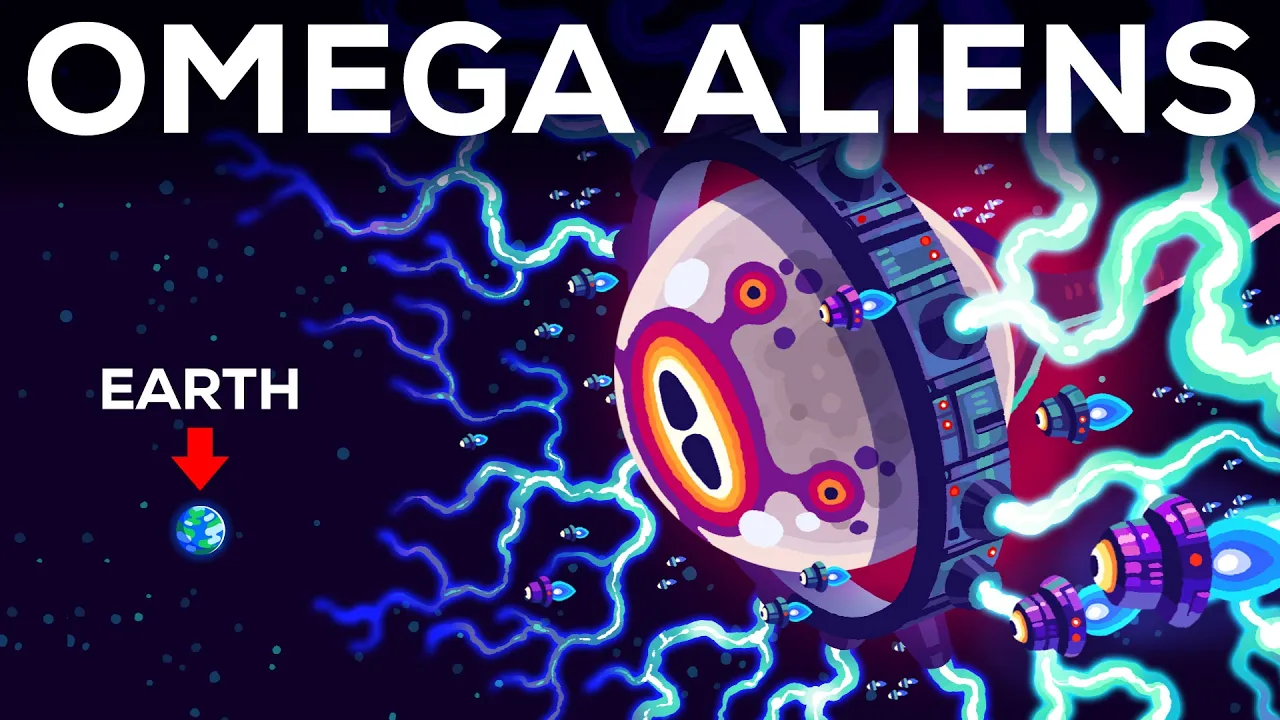
Eleven measured checks — contrast, text size, clutter, safe zones — rolled into one score, with the fix for anything that falls short. The image never leaves your browser.
- Kurzgesagt's latest scored 85
- Flags the duration-badge zone
- Previews in the real feed
Cut out, compress, convert. Nothing uploaded.
Everyday image fixes that run on your own device, so a private photo stays private. Drag the handle — that's the actual output of the background remover.

Make something that looks real.
Free, no account, nothing uploaded. Open the studio and your first chat is ready in about a minute.
Is everything on PixelDM really free?
Yes. Every tool and generator is completely free and fully usable with no account, no watermark and no limits. The site is supported by ads.
What YouTube tools do you offer?
A thumbnail downloader (every resolution, up to full HD), a thumbnail analyzer that scores your image before you publish, a money calculator that estimates any channel's earnings, and a tag extractor for competitor research.
Which chat platforms can I make mockups for?
We currently support Instagram, Snapchat, WhatsApp, X (Twitter), with more on the way.
Do I need to sign up or log in?
No. There are no accounts, you build a chat and export it instantly.
Are my photos uploaded anywhere?
No. Images and avatars stay in your browser and are never sent to a server. Nothing is stored after you leave.
Worth reading first.
- YouTube Thumbnail Sizes: Every Resolution, ExplainedWhat size a YouTube thumbnail should be in 2026 (16:9, 1280x720 or larger), plus the five versions YouTube stores and why maxres is sometimes missing.
- How Much Do YouTubers Make Per 1,000 Views?What YouTube actually pays per 1,000 views, broken down by niche and audience country — plus why Shorts pay ~1% of long-form and how to estimate your own.
- Do YouTube Tags Still Matter?YouTube says tags play a minimal role now. What they actually still do, how to see any video's tags, and where that effort is better spent instead.
PixelDM creates mockup images only and is not affiliated with Instagram, Snapchat, WhatsApp, or any other platform.